
AI Study Guide From Kindle: The Full 2026 Workflow
Turn a Kindle book into a chapter-by-chapter AI study guide. Extract via OCR, feed into NotebookLM or Claude, generate cited guides + flashcards.
Published · Updated • By Mike
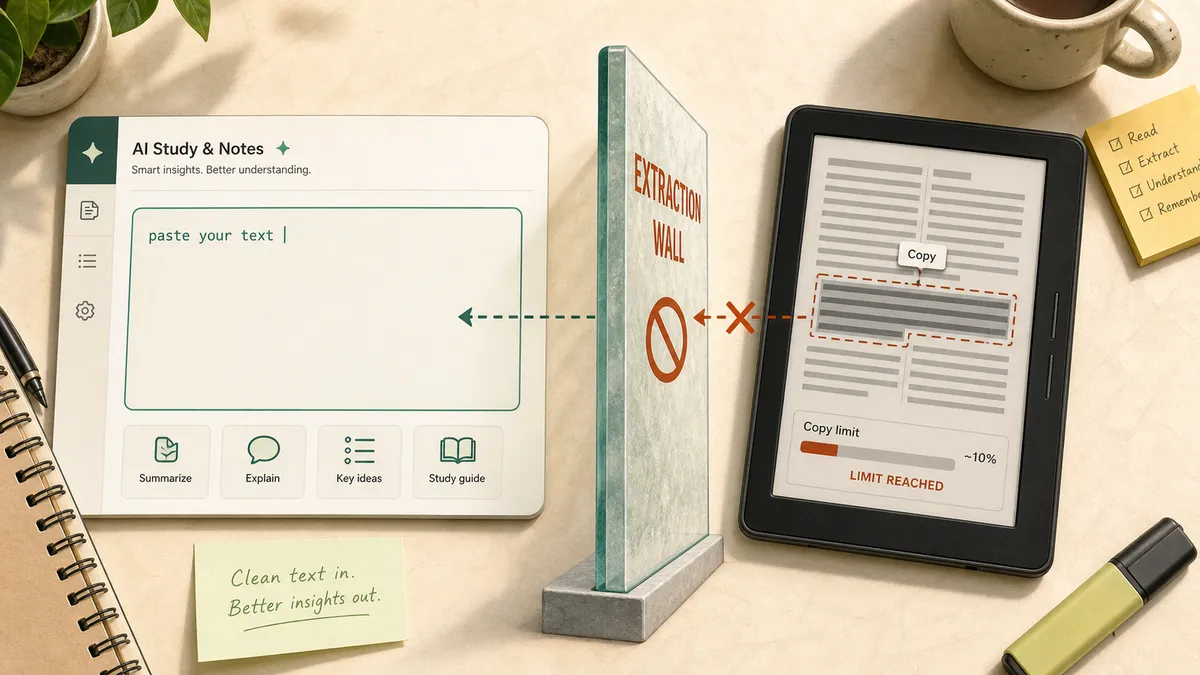
Every AI study-guide tool on the search results page starts with the same hidden assumption: paste your textbook. Kindle is where that advice breaks. Amazon blocks normal copy-paste at roughly 10% of a book, so the student who wants an AI study guide from Kindle often has nothing usable to paste.
TextMuncher is the bridge. It captures Kindle Cloud Reader pages from your own screen, runs OCR to read the letters back out of those screenshots, and hands you clean text you can give to Claude, ChatGPT, Gemini Notebook (formerly NotebookLM), Quizlet, or any other study tool. This is not about buying a Kindle eBook about AI. It is about turning your own Kindle book into a study guide.
I built TextMuncher because this exact wall kept showing up while feeding my own books to AI tools. One of our top-traffic posts is still about Amazon's 10% copy cap. Students are hitting the wall in real study sessions, not as a theory problem.
Tool details last verified 2026-09-25. Claude, ChatGPT, NotebookLM, and Kindle features change often. For live model context limits, check Anthropic's context-window documentation.
Can You Make an AI Study Guide From a Kindle Book?
Yes, you can make an AI study guide from a Kindle book, but the first step is extraction. Kindle does not give Claude, ChatGPT, or NotebookLM direct access to purchased books. You need to turn the rendered Kindle pages into text, then choose the right AI tool for the study artifact you want.
The important split is simple:
| Starting point | What happens | Best next step |
|---|---|---|
| Kindle Cloud Reader | Book is readable but not freely copyable | Extract rendered pages with screen OCR |
| Kindle highlights | Useful but incomplete | Use only for quick flashcards |
| Clean TXT or DOCX | AI tools can read it | Upload or paste into your study tool |
| NotebookLM source | Best for cited summaries | Generate Study Guide, FAQ, and Audio Overview |
| Claude or ChatGPT chat | Best for custom prompts | Ask for Bloom-mapped practice work |
TextMuncher works because it does not try to decrypt Kindle files. It captures what is already visible in your browser, then OCRs those screenshots into text. The same extraction layer also works for many locked reader platforms, but Kindle is the cleanest example because the copy wall is so obvious.
If you want the product version of this workflow, start with the ebook to AI study guide landing page. This post goes deeper on the Kindle-specific workflow, the prompt library, and the tool choice matrix.
What Is the Fastest Kindle to AI Study Guide Workflow?
The fastest workflow is: extract one chapter or book section from Kindle, save it as clean text, choose the AI tool based on the output you need, then run a structured study-guide prompt. Do not start inside the AI tool. Start by getting the source text out of Kindle.
Here is the practical path:
- Open the assigned book in Kindle Cloud Reader.
- Run TextMuncher on the chapter, unit, or full book section you need.
- Export the OCR result as TXT, Markdown, DOCX, or PDF.
- Paste or upload that file into NotebookLM, Claude, ChatGPT, Gemini, Quizlet, or Anki.
- Ask for a specific study artifact: chapter outline, concept map, practice test, flashcards, cited guide, or 7-day review plan.
Capture and OCR time vary with page count, page rendering, and device performance. Speed mode, the default, handles OCR right in your browser with Tesseract.js; Quality mode, a Pro option you switch on yourself, sends the tougher pages to a cloud OCR service for another pass. Standard prose usually comes out clean, while complex pages may need some correction by hand. Review the output before using it for exam prep, especially if the book has equations, tables, diagrams, or footnotes. OCR only captures the words, so a chart, diagram, or map will not appear in the text. Since the extension saves every page as a PNG in the ZIP, upload that page's image to Claude (up to 20 per chat) or Gemini Notebook along with the text.
This is different from the Karpathy 3-pass reading method for Kindle. That workflow is about understanding a book through repeated passes. This workflow is about making a reusable study artifact: the thing you can review before a quiz, midterm, certification exam, or discussion section.
If you only need a few highlighted passages, Kindle's native notebook export may be faster. If you need the full chapter the exam covers, highlights are not enough. A study guide needs the material you skipped, not just the parts you marked on the first read.

Which AI Tool Should You Use for Each Study-Guide Task?
Use NotebookLM when you need cited answers from the uploaded source, Claude when you need full-book synthesis, ChatGPT when you want Socratic Q&A or flashcard cleanup, and Quizlet or Anki when the final product should be a review deck. The extraction step stays the same for all four.
This is the part most generic AI study-guide pages miss. "Best AI study tool" is not one decision. A study guide is a bundle of smaller jobs.
| Study-guide task | Best tool | Prompt or action |
|---|---|---|
| Cited chapter summary | NotebookLM | Upload the extracted chapter and generate a Study Guide |
| Full-book guide with cross-chapter links | Claude | "Create a chapter-by-chapter study guide and connect repeated concepts across chapters." |
| Socratic exam prep | ChatGPT Study Mode | "Quiz me one question at a time. Wait for my answer before explaining." |
| Flashcard handoff | ChatGPT, Claude, Quizlet, or Anki | "Return term, definition, example, and source section as CSV." |
| Audio review | NotebookLM | Use Audio Overview after uploading the extracted source |
| Weakness check | Claude or ChatGPT | "Find the five concepts I am most likely to confuse and explain the difference." |
For the broader tool ranking, read which AI tool is best for studying Kindle books overall. The short version for this workflow: choose the tool after you know the artifact.
Gemini Notebook (formerly NotebookLM) is the lowest-friction path for source-grounded study guides because it has built-in study outputs. Google's Gemini Notebook students page positions the tool around learning from uploaded sources. Once the Kindle text is uploaded, Gemini Notebook can turn it into a study guide, FAQ, briefing document, mind map, flashcards, quizzes, and audio review.
Claude is the strongest fit when the material is long. Anthropic's docs list current-generation Opus and Sonnet models with a 1M-token context window. For study guides, that means you can keep a large book or a set of chapters in one conversation and ask for cross-chapter callbacks without re-feeding earlier chapters.
ChatGPT is the better fit when you want active back-and-forth practice. OpenAI's Study Mode announcement frames the feature around guided learning instead of answer dumping. Use it after extraction for oral-exam style practice, flashcard cleanup, and "ask me one question at a time" sessions. The ChatGPT-specific Kindle workflow covers that path in more detail.
What Prompts Create a Real AI Study Guide?
A real AI study guide should go beyond summary. "Summarize this chapter" gives you recall notes, not exam prep. Use Bloom's taxonomy to ask for remembering, explaining, applying, analyzing, judging, and creating. That prompt pattern produces a guide you can study from instead of a bland chapter recap.
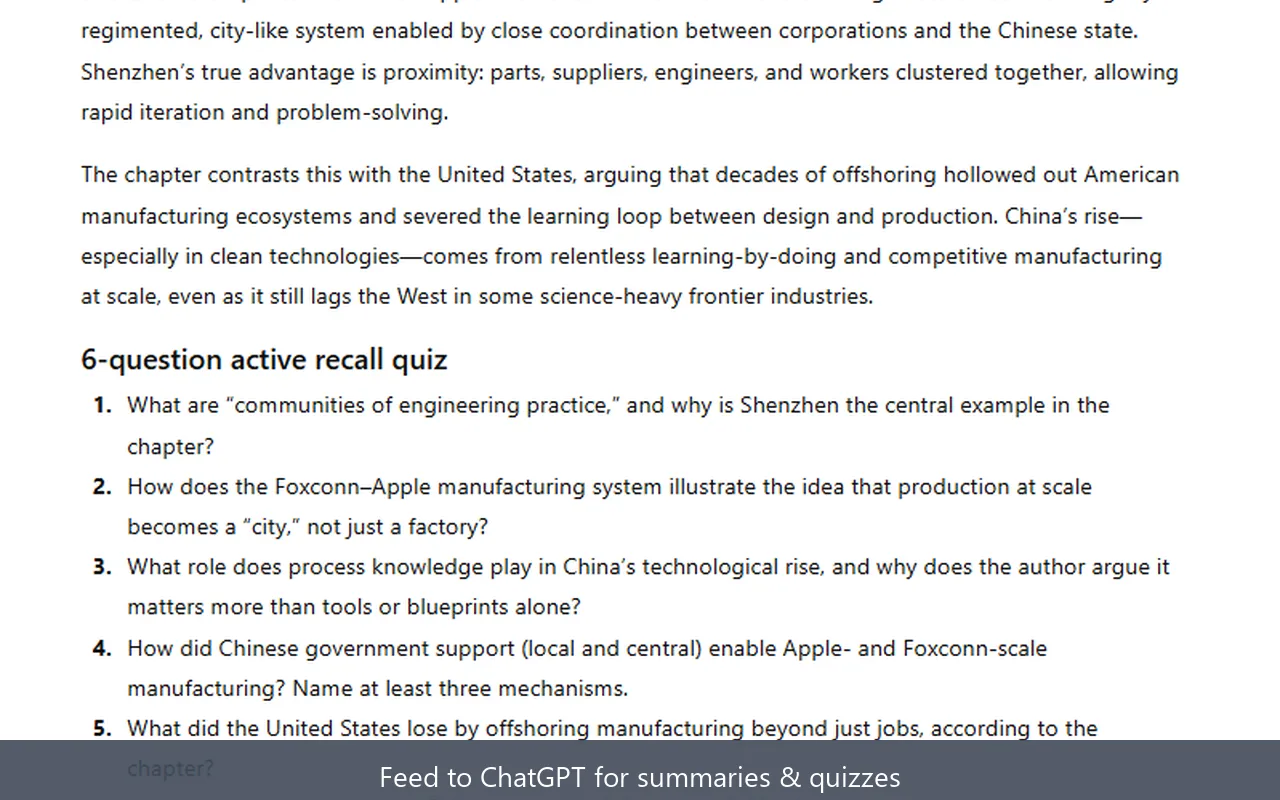
Copy this prompt first:
You are building a study guide from the source text below. Use only the source unless I ask for outside context. Organize the guide by Bloom's taxonomy: Remember, Understand, Apply, Analyze, Evaluate, and Create. Include practice questions with answers, likely exam traps, and a 7-day review plan.
Then add these task prompts as needed:
| Bloom level | What it tests | Prompt to use |
|---|---|---|
| Remember | Facts, terms, names, dates | "List 15 key terms with plain-English definitions and source sections." |
| Understand | Meaning and explanation | "Explain the author's main argument as if I am new to the subject." |
| Apply | Using concepts in new settings | "Give me 10 realistic exam scenarios where I must apply these ideas." |
| Analyze | Parts, structure, and causes | "Break the chapter into claims, evidence, assumptions, and weak points." |
| Evaluate | Judgment and tradeoffs | "Which claims are best supported, least supported, and most likely to be challenged?" |
| Create | New synthesis | "Design a 7-day study plan that mixes review, practice questions, and flashcards." |
For textbooks, add one constraint: "Keep all answers tied to the chapter section where the idea appears." That reduces vague output and makes it easier to check the guide against the book.
For non-fiction books, add: "Separate the author's claim from your explanation." For novels or literature classes, add: "Track characters, symbols, scenes, and themes separately." For certification exams, add: "Mark each point as definition, process, warning, or likely test trap."
This is where clean text beats screenshots. Screenshots force the AI to read visual pages before it can reason about the content. Extracted text gives the model the words directly, which is better for long prompts, source quoting, flashcard CSVs, and repeated study sessions.
What Should You Avoid When Turning Kindle Books Into Study Guides?
Avoid any workflow that asks the AI tool to solve the Kindle access problem for you. AI tools cannot log into your Amazon account, open a DRM-protected Kindle file, or read a book that stays locked inside Kindle. They can only work once you provide clean text, a file, or a source upload.
The common dead ends are predictable:
- Pasting directly from Kindle until Amazon blocks the copy.
- Relying only on highlights when the exam covers the full chapter.
- Uploading hundreds of screenshots instead of text.
- Trying Calibre plus DeDRM on new purchases after Amazon's February 2025 download changes.
- Asking ChatGPT or Claude to "read my Kindle book" with no source attached.
- Submitting AI-generated output as graded work instead of using it for private study.
TextMuncher is not a DRM removal tool. It does not unlock .azw, .kfx, or device files. It captures the book pages you can already view in Kindle Cloud Reader and converts those screen images into text. That distinction matters for both reliability and trust.
There is also a study-quality mistake: stopping at a summary. A summary helps you feel oriented, but exams often ask you to apply, compare, evaluate, and explain. When a summary genuinely is the whole goal for a book, summarizing a Kindle book with AI is the shorter workflow to follow instead. For exam prep, use the Bloom prompts above, then turn the hard concepts into flashcards or practice questions.
For Claude-specific long-context workflows, read the Claude-specific Kindle workflow. For NotebookLM, use the Kindle to NotebookLM workflow after extraction.
How Should You Turn the Study Guide Into Exam Prep?
Turn the first AI output into a study system: one cited guide, one active-recall set, one weakness list, and one review schedule. The guide explains the material. The recall set tests memory. The weakness list shows what to revisit. The schedule keeps you from cramming the night before.
Use this order:
- Generate the main study guide from the extracted chapter.
- Ask for 20 practice questions with answers hidden until the end.
- Ask for a "confusion list" of terms students often mix up.
- Export flashcards as CSV for Quizlet or Anki.
- Ask for a 7-day plan that alternates review, practice, and spaced repetition.
For a midterm, run the workflow chapter by chapter, then ask Claude or ChatGPT to compare the chapters. A useful prompt is: "Find concepts that repeat across these chapters and explain how the later chapter changes the earlier idea." Current long-context models make this easier because the model can keep more of the book in one conversation.
NotebookLM is better when citations matter. Claude and ChatGPT are better when you want custom prompts and more flexible reasoning. Quizlet and Anki are better when the final output should live in a daily review loop.
Once the Kindle text is out, you are not locked into one study app. That is the point. TextMuncher handles the missing extraction step, then you can choose the AI tool that matches the kind of studying you need.
FAQ
How do I make an AI study guide from a Kindle book?
Extract the Kindle chapter first, then feed the text to an AI study tool. TextMuncher captures Kindle Cloud Reader pages, OCRs them into clean text, and exports a file you can paste into Claude, ChatGPT, NotebookLM, or Gemini. Then ask for a Bloom-mapped study guide with summaries, practice questions, flashcards, and a review plan.
Which AI is best for making a study guide from a book?
NotebookLM is best for source-grounded study guides with citations. Claude is best for long-book synthesis and cross-chapter connections. ChatGPT is best for Socratic Q&A, quiz practice, and flashcard cleanup. Quizlet or Anki is best for daily review after the AI creates clean term-and-definition pairs.
Can ChatGPT or Claude read my Kindle book directly?
No. ChatGPT and Claude cannot authenticate to your Amazon account or read a DRM-locked Kindle purchase by themselves. Kindle Cloud Reader also limits normal copy-paste. You need to extract the text first, then upload or paste the extracted file into the AI tool.
Is it legal to extract Kindle text for an AI study guide?
Using extracted text for private study is generally treated like personal note-taking or exam prep, but it is not a license to republish or sell the book text. TextMuncher does not decrypt Kindle files. It captures pages visible on your screen. Check your school policy before submitting any AI-assisted work for a grade. Read our copyright and fair-use guide.
The Kindle course-reading guide connects this study-guide method to the wider student workflow, including seminar prep, quotation checks, Anki, Quizlet, and NotebookLM.
Want to turn a Kindle book into an AI study guide? Try TextMuncher free - 30 pages included, no credit card. You can also start in TextMuncher's free OCR extractor.