
Kindle for PC Copy Text Not Working? Why + Fix (2026)
Kindle for PC caps copy at 5-10% per book and shuts down June 30, 2026. Here's why copy fails, why old advice is dead, and what still gets text out.
• By Mike
You hit Ctrl+C in Kindle for PC and got "You have reached the publisher's copy limit set for this title." Or the popup didn't appear, but nothing landed on your clipboard either.
Amazon caps copy at roughly 5-10% of each book, tracks it server-side per title, and never resets the counter. Reinstalling the app does nothing. The Calibre + DeDRM workaround you'll find on Reddit was effectively killed in February 2025 when Amazon removed the USB download path. The desktop app itself is being shut down on June 30, 2026, replaced by a Microsoft Store app that only runs on Windows 11.
The fix that still works in 2026: open the same book in Kindle Cloud Reader and let a capture tool do the work.
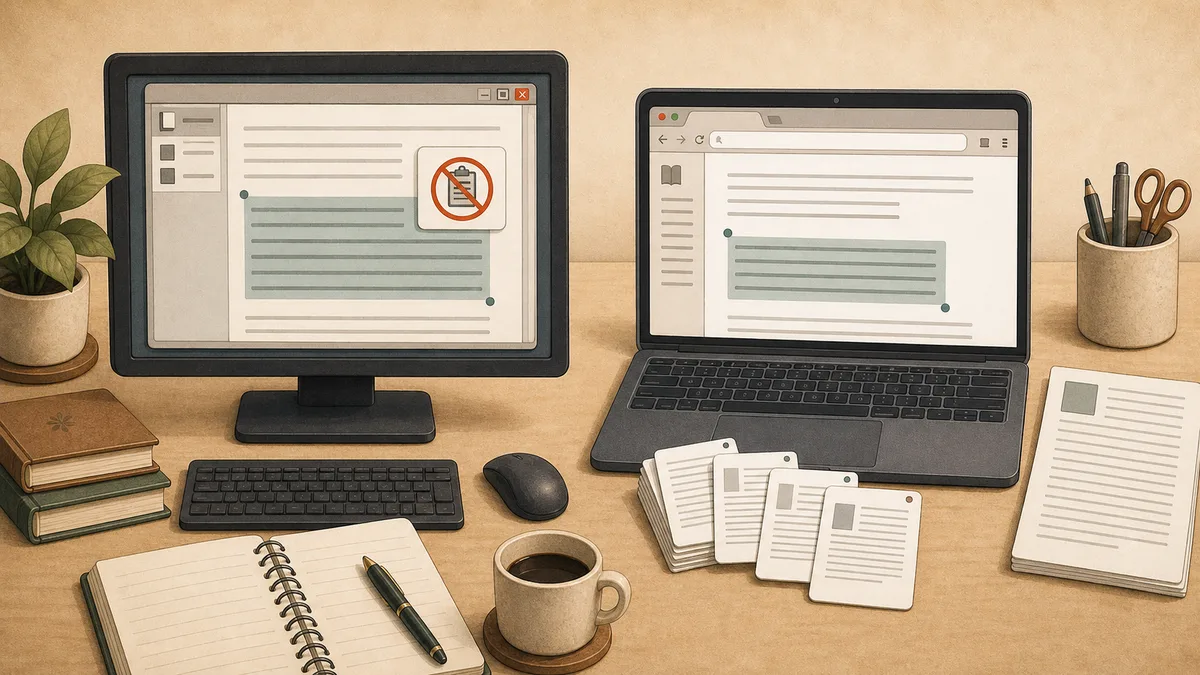
Why copy fails (and why a reinstall won't help)
Copy isn't broken because of a Windows permission issue or a corrupted install. Amazon enforces the cap server-side on every Kindle surface, and the desktop app fires the named popup as soon as you cross the threshold.
What's actually happening:
- The cap is roughly 5-10% of the book's total characters. The publisher sets it; some go lower, a few go slightly higher.
- It's tracked at the Amazon account level. Switching laptops or reinstalling the app does not reset the counter.
- Kindle for PC has shipped books in KFX format since v1.19 in February 2017. (MobileRead's KFX support thread tracks the version history.) The DRM enforcement layer wraps the rendered text on the way out of the app, which is why even working selections still trip the per-title counter.
- Right-click → Copy still appears in the menu. The selection works visually. The popup fires the moment you ask for more than the cap allows.
The menu looks fine. The system is metering each character that leaves the app, and your reinstall isn't the variable.
For a deeper look at the popup itself and other Kindle error messages, read Kindle Copy Paste Error: What Each Message Means.
What changed in 2025 (and what's dying in 2026)
The Reddit advice from 2023 doesn't work anymore. Three changes broke it:
- February 26, 2025: Amazon removed the "Download & Transfer via USB" option from "Manage Your Content and Devices." That was the path Calibre's DeDRM plugin relied on for years. (David Roessli's writeup covers the change.)
- September 2025: Amazon began enforcing the publisher copy cap inside Kindle Notebook (read.amazon.com/notebook). The bulk-highlight export workaround stopped working on flagged titles.
- June 30, 2026: Amazon is discontinuing the Win32 Kindle for PC app entirely. The replacement is a Microsoft Store app that only runs on Windows 11. Windows 10 users get locked out of the desktop reader. (Epubor's coverage quotes the in-app notice verbatim.)
If you find a thread saying "use Calibre with the DeDRM plugin" or "download via USB and convert," that's the trap I kept hitting before I built TextMuncher. It doesn't work for any book purchased after spring 2025.
For a broader cross-surface diagnosis, see Kindle Copy Text Not Working? Diagnose the Cause.
The fix: open the book in Cloud Reader instead
Stop fighting the desktop app. Open the same book at read.amazon.com in desktop Chrome or Firefox and use TextMuncher's extension to capture pages hands-free. Same Amazon account, same library, same highlights. The only thing changing is the surface you read on.
TextMuncher works on Cloud Reader because it captures screenshots of what's already on screen. It doesn't use the clipboard, decrypt files, or touch DRM. Cloud Reader has its own copy defenses (canvas rendering, scrambled font subsets, covered in Kindle Cloud Reader Copy Not Working? Why + Fix), but screenshot capture sidesteps them. The Kindle for PC text extraction page covers this surface switch in full.
The workflow:
- Open https://read.amazon.com in Chrome or Firefox while signed into your Amazon account.
- Find the book in your library. Same purchase, same notes, same highlights.
- Install the TextMuncher Chrome extension.
- Open the book in Cloud Reader and click "Start" in the extension. It turns pages and captures screenshots automatically.
- After capture, upload the screenshots to textmuncher.com for local OCR, or feed them directly into ChatGPT, Claude, or Gemini's vision feature.
Free tier covers 30 pages. Paid is $9.99/month or $48/year for unlimited.
Other workarounds (and where each breaks)
A few alternatives still technically work in 2026. Each one fails at a different scale.
| Method | Works for | Where it breaks |
|---|---|---|
| Print Screen + Snipping Tool OCR | One or two pages | Manual page-flipping kills the chapter use case |
| Amazon Notebook export | Highlights you already saved | Cap-enforced since Sept 2025; truncation on flagged books |
| Search-trick partial copy | A short fragment per query | Yields fragments, not sequential text. Desktop-only. |
| Calibre + DeDRM | Books bought before spring 2025 | USB download path removed Feb 2025; dead for new purchases |
| Epubor Ultimate ($29) | Same as Calibre | Same DRM dependency, paid, same degradation |
One detail worth pulling out: Print Screen still works on Kindle for PC. The desktop app does not block screenshots. (Kindle for Android does, via FLAG_SECURE; Kindle for PC does not.) Hitting Print Screen and pasting into Snipping Tool gets you a clean image, fine for one quote, painful for a chapter.
For a side-by-side comparison across Kindle surfaces, see Can't Copy Text from Kindle? Here's the Fix (2026). For the broader cap-hit anchor on the limit message itself, read Kindle Copy Limit Exceeded? Here's What to Do.
FAQ
Why does Kindle for PC say "you have reached the publisher's copy limit set for this title"?
The publisher set a cap on how much text Kindle can copy from that book, and you've reached it. Amazon tracks the cap server-side per title, typically at 5-10% of the book. The cap is per Amazon account, not per device. Reinstalling the app or switching laptops will not reset it.
Why is highlight greyed out in Kindle for PC?
Two common causes. First, the title may be in Topaz format, which has more restrictive highlighting controls than KFX. Second, overlay tools like QTranslate or some clipboard managers can interfere with the text-selection layer and cause highlights to silently fail. Try closing third-party overlay tools and restarting Kindle for PC. If the problem is title-specific, it's the publisher format restriction and there's no client-side fix.
Does Calibre still work for Kindle in 2026?
Not for new purchases. On February 26, 2025, Amazon removed "Download & Transfer via USB" from "Manage Your Content and Devices," which was the path Calibre's DeDRM plugin relied on. The plugins still work on books you downloaded before that date and on older e-ink Kindle hardware running pre-firmware-5.18.5 builds. For anything bought after spring 2025 on Kindle for PC, Calibre is a dead end.
How do I export Kindle for PC highlights to a file?
Visit read.amazon.com/notebook, sign in with the same Amazon account, and find the book. You can copy highlights individually or use the export-to-HTML option. Two caveats: it only exports highlights you've already saved, and since September 2025 the publisher copy cap is enforced inside Notebook on many titles. Heavily-flagged books may show "Some highlights have been hidden or truncated due to export limits."
Can a screen reader copy text from Kindle for PC?
Partially, and unreliably. NVDA and JAWS users have used Kindle for PC because Cloud Reader is not screen-reader accessible. The desktop app exposes some text via the Windows accessibility API, but the publisher copy cap still applies and many titles silently disable the accessibility text layer. The cleanest path for accessibility-driven extraction is the surface switch above: capture screenshots in Cloud Reader, which doesn't depend on Amazon exposing the text at all.
How do I get a full chapter from Kindle for PC into ChatGPT or Claude?
Don't try from the desktop app. The 5-10% cap will trip before you finish one chapter, and once tripped you can't extract more from that book in Kindle for PC. The path that works: open the same book at read.amazon.com in Chrome, install TextMuncher, click Start in the extension, and let it capture screenshots of the chapter hands-free. Then either run TextMuncher's OCR or feed the screenshots directly to ChatGPT or Claude's vision feature.
Kindle for PC blocking the chapter you need? Try TextMuncher free - 30 pages included.