
Screenshots vs. Text: What's the Best Way to Feed Books to ChatGPT?
Should you paste screenshots or extracted text into ChatGPT? The math shows text is 3-7x more efficient. Here's when each approach makes sense.
• By Mike
You've got a Kindle book you want to discuss with ChatGPT. You could screenshot each page and paste them directly into the chat. ChatGPT, Claude, and Gemini all have vision capabilities now. But is that actually the smartest approach?
Short answer: For quick, one-off questions about a single page, screenshots work fine. But for extended conversations about multiple pages or chapters, extracting the text first is 3-7x more token-efficient, which means longer conversations, lower costs, and better results.
In this post, I'll break down the actual token math, show you when each method makes sense, and explain why I built TextMuncher to automate the extraction workflow.
How Many Tokens Does a Screenshot Actually Cost?
Each AI provider calculates image tokens differently, but they're all surprisingly expensive compared to plain text.
Claude (Anthropic) uses a simple formula: tokens = (width × height) / 750. A typical book page screenshot at 1000×1400 pixels costs roughly 1,867 tokens.
GPT-4o (OpenAI) tiles images into 512×512 chunks. In high-detail mode, you pay 85 base tokens plus 170 tokens per tile. That same book page screenshot? About 765-1,105 tokens depending on resolution.
Gemini (Google) charges 258 tokens per 768×768 tile. A full page runs 516-1,032 tokens.
Now compare that to the actual text content. A typical book page contains 300-500 words, which translates to roughly 400-650 text tokens.
Here's the math that matters:
| Input Method | Tokens per Page | 20-Page Chapter |
|---|---|---|
| Screenshot (Claude) | ~1,867 | ~37,340 |
| Screenshot (GPT-4o high) | ~935 | ~18,700 |
| Extracted text | ~500 | ~10,000 |
That's a 2-4x difference on the initial input alone. But it gets worse.
The Hidden Cost: Context Window Multiplication
Here's what most people miss: when you continue a conversation with ChatGPT, every previous message gets re-sent as context. That includes your images.
Say you upload 10 page screenshots and ask a question. That's ~10,000-19,000 tokens. You get a response, then ask a follow-up question. Now those same 10 screenshots get sent again: another 10,000-19,000 tokens. By your fifth question, you've burned through 50,000-95,000 tokens just re-sending the same images.
With extracted text, that 20-page chapter stays at ~10,000 tokens throughout the entire conversation. The savings compound with every follow-up question.
Real example from my testing: I had a 15-message conversation about a 30-page chapter. With screenshots, that would have cost approximately 280,000 input tokens. With extracted text, it cost 47,000 tokens: an 83% reduction.
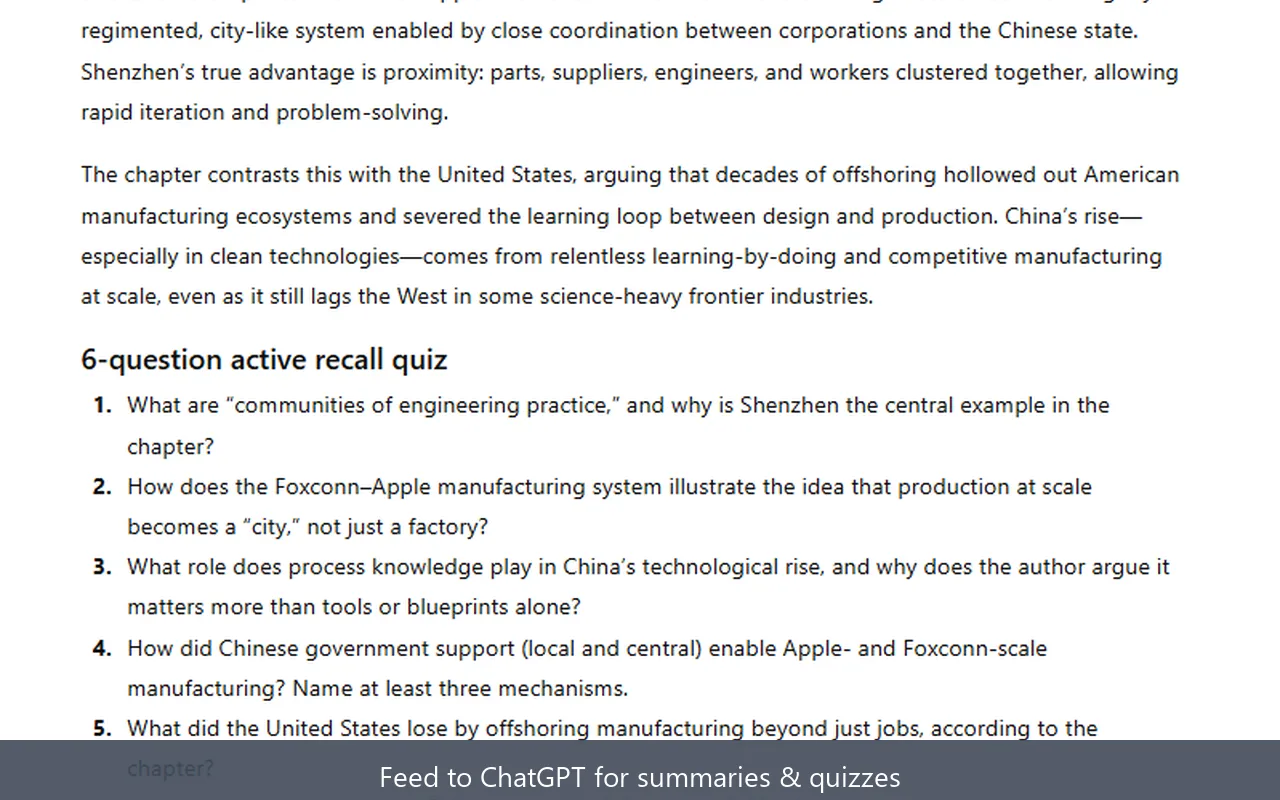
If you're on ChatGPT Plus or using the API, this directly affects how much content you can discuss before hitting context limits. If you're paying per token, it directly affects your bill.
When Screenshots Actually Make Sense
I'm not saying never use screenshots. There are legitimate cases where feeding images directly to ChatGPT is the right call:
Visual content matters. If the page has charts, diagrams, or images that are central to your question, the AI needs to see them. OCR won't capture a graph's meaning.
One-off quick questions. Need to ask "what does this paragraph mean?" about a single page you already have screenshotted? Just paste it. The overhead of extraction isn't worth it for a single exchange.
Handwriting or unusual formatting. Modern vision models handle handwritten notes and complex layouts better than traditional OCR. If accuracy on weird formatting matters more than token efficiency, screenshots win.
You're using GPT-4o low-detail mode. At a fixed 85 tokens per image regardless of size, low-detail mode is genuinely cheap. The tradeoff is that it downscales images to 512×512, so small text becomes unreadable. Fine for large headings, not great for body text.
Why Cloud Ebook Readers Make This Complicated
If you're reading on Kindle Cloud Reader, you've probably discovered the frustrating reality: copy-paste is blocked. Amazon's DRM prevents text selection entirely, or limits you to copying only 10-15% of any book through highlights.
This forces a workflow decision:
Option A: Screenshot → Paste directly to ChatGPT
- Fast for single pages
- Expensive for multiple pages
- Re-upload every conversation
Option B: Screenshot → OCR extraction → Paste text
- Extra step upfront
- Dramatically more efficient for extended use
- Text is reusable across ChatGPT, Claude, Gemini, Notion, wherever
The manual version of Option B is painful: screenshotting pages one by one, running them through an OCR tool for ebook screenshots, copying the output. That's exactly why I built TextMuncher. It automates the screenshot capture and OCR extraction so you get clean text ready for any AI tool.
For a deeper dive on the Kindle-to-AI workflow, see my guide on how to use Kindle books with ChatGPT.
The Privacy Angle
There's another factor worth considering: where your data goes.
When you paste screenshots into ChatGPT or Claude, those images get uploaded to OpenAI's or Anthropic's servers for processing. For most people, that's fine. But if you're working with sensitive material (research notes, proprietary documents, personal journals), you might prefer keeping that data local.
OCR extraction can happen entirely on your device in Speed mode. TextMuncher processes that mode client-side using Tesseract.js. Your screenshots never leave your browser in Speed mode. Optional Pro Quality mode sends hard-to-read pages for a cloud second pass; you control where the extracted text goes next.
What About Accuracy?
A fair question: if ChatGPT can read the screenshot directly, isn't that more accurate than OCR?
In practice, for clean printed text like Kindle pages, modern OCR is highly accurate. Vision models achieve similar accuracy on the same content. The difference is negligible for readable book text. If you want the measurement rather than the adjective, the published OCR benchmark and its method shows the test set and the scoring file behind it.
Where OCR struggles:
- Handwritten content
- Unusual fonts or decorative text
- Low-quality scans with artifacts
- Complex multi-column layouts
Where vision models struggle:
- Very small text (especially in low-detail mode)
- Dense pages with minimal spacing
- Consistent formatting preservation
For standard ebook content, both methods produce usable text. The question is really about efficiency and cost, not accuracy.
The Recommended Workflow
Based on my testing across hundreds of pages, here's what I recommend:
For 1-3 pages with simple questions: Screenshot directly. The convenience outweighs the token overhead.
For 5+ pages or extended conversations: Extract text first. The upfront effort pays off quickly, especially if you let the browser extension screenshot a Kindle book automatically instead of capturing each page by hand.
For regular research or study workflows: Set up an automated extraction pipeline. Whether that's TextMuncher for Kindle Cloud Reader, Calibre for DRM-free EPUBs, or another tool. Having clean text ready to paste saves enormous time and tokens over repeated screenshot uploads. If you need help getting text out of Kindle in the first place, see our guide on how to copy text from Kindle Cloud Reader.
For visual content: Always use screenshots. OCR can't capture what a chart communicates.
The best workflow often combines both: extract the text for the bulk content, but include key screenshots when visuals matter for your specific question.
FAQ
How many tokens does an image use in ChatGPT?
It depends on the model and detail setting. GPT-4o in high-detail mode uses 85 base tokens plus 170 tokens per 512×512 tile. A typical book page costs 765-1,105 tokens. Low-detail mode is a flat 85 tokens but downscales the image significantly. Claude calculates tokens as (width × height) / 750, so a 1000×1400 image costs about 1,867 tokens.
Can ChatGPT read text from screenshots accurately?
Yes, GPT-4o and other vision models can read printed text from screenshots with high accuracy, comparable to dedicated OCR tools for clean content. The issue isn't accuracy; it's efficiency. You're paying 2-4x more tokens for the same information compared to extracted text.
Is it better to upload a PDF or paste text into ChatGPT?
For text-heavy PDFs, extracting and pasting the text is more token-efficient. PDFs uploaded directly get processed as images (each page becomes an image token cost). However, if the PDF contains important visual elements like charts or diagrams, uploading preserves that context. Consider extracting text for the readable portions and including specific page screenshots only when visuals matter.
Why can't I copy text from Kindle Cloud Reader?
Amazon uses DRM (Digital Rights Management) to prevent copying. Even the highlight export is limited to roughly 10-15% of any book's content. This is a publisher-driven restriction. The workaround is screenshot-based extraction: capture the pages visually, then use OCR to convert back to text. TextMuncher automates this process for Kindle Cloud Reader specifically.
Does extracting text violate copyright?
Extracting text from books you own for personal use (studying, research, accessibility) generally falls under fair use in the US. You're not redistributing the content. You're shifting formats for your own consumption. That said, I'm not a lawyer, and copyright law varies by jurisdiction. Don't redistribute extracted text or use it commercially without proper licensing. Read our copyright and fair-use guide.
Which Format Should You Use?
Vision models are impressive, and pasting screenshots into ChatGPT works. But for anything beyond quick single-page questions, the token math strongly favors text extraction.
Extract once, use everywhere, pay less. That's the efficient approach.
If you're working with Kindle books specifically, try TextMuncher free—30 pages included, no credit card required. It handles the tedious screenshot-and-OCR workflow so you can focus on actually learning from your books.
Last updated: February 2026