
Kindle Copy Limit Reached? What It Means and What To Do Next
Reached the Kindle publisher copy limit? Learn why it appears, whether it resets, and practical ways to keep taking notes from Kindle.
• By Mike
You copied a few passages from Kindle, then the wall appeared: your Kindle copy limit was reached. Now Kindle will not copy another sentence from the book, even if you only need one quote for notes, a paper, or an AI summary.
The short answer: the Kindle copy limit is a publisher-controlled restriction on how much text can be copied or exported from a title. It usually does not reset on its own, and Amazon does not give readers a simple button to raise it. Once you hit it, official export options get very limited.
This guide explains what the message means, what still works, and how to keep your research workflow moving without removing DRM or downloading hidden Kindle files.
What Does "Kindle Copy Limit Reached" Mean?
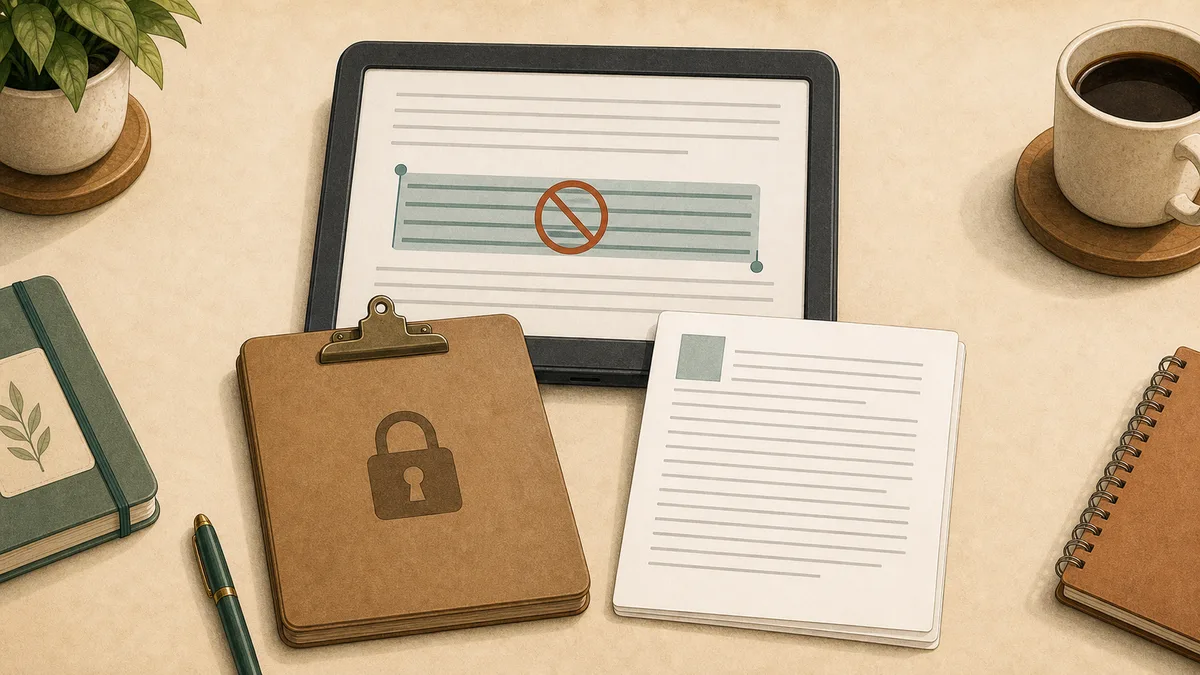
"Kindle copy limit reached" means Kindle has blocked more copying from that book because the allowed excerpt amount has been used. The limit is tied to publisher settings and copyright controls, not to a normal clipboard problem on your device.
You may see different versions of the same warning:
| Message | What it usually means |
|---|---|
| "Publisher's copy limit" | The publisher capped how much text can be copied |
| "Copy limit reached" | Kindle will not place more book text on your clipboard |
| "Clipping limit reached" | Highlights or clippings are over the allowed export amount |
| Copy option disappears | Copying may be disabled for that title or app surface |
Amazon's KDP documentation describes DRM as a way to limit unauthorized access to or copying of digital content files. That does not tell you the exact limit for your book, but it explains why the copy wall exists.
Is the Kindle Copy Character Limit a Fixed Number?
Searches for "kindle copy character limit" assume a single fixed number exists. There isn't one. The copy limit is a publisher-controlled percentage or threshold that varies by title, and Amazon does not publish per-book figures. Some books allow generous excerpts; some block copying after a few sentences.
The practical implication: don't optimize around a target character count. Treat each book as unknown until you hit the wall, capture the passages you actually need before then, and switch to screenshot OCR for the visible page once Kindle stops cooperating. The OCR path doesn't care about character limits because it does not ask Kindle to copy anything — it reads the displayed page directly.
Is the Copy Limit Set by Amazon or the Publisher?
The restriction is usually controlled by publisher settings and enforced by Amazon's Kindle system. That is why one Kindle book may let you copy several passages while another blocks copying almost immediately.
Academic books, textbooks, technical references, and library ebooks often feel stricter because publishers are more protective of excerpting. Some indie or DRM-free books may be more flexible. Amazon's current KDP DRM help also says verified purchasers can download EPUB/PDF files only for confirmed DRM-free books as of January 20, 2026. Most major-publisher Kindle books still do not fall into that category.
You usually cannot see the copy limit before buying. You discover it only after copying or highlighting enough text to trigger the wall.
Does the Kindle Copy Limit Reset?
In normal use, no. Kindle does not provide a reliable reader-facing reset for the copy limit. Deleting highlights, reinstalling the app, or switching devices usually does not restore normal copying once the book has reached its limit.
Some old forum advice suggests deleting exported notes, removing a book, or contacting support. Treat those as long shots. They may affect local files or old clipping workflows, but they do not reliably change publisher-enforced restrictions.
If you are not sure whether the limit is book-specific, test another Kindle title. If copying works in one book and fails in the blocked book, the issue is almost certainly the title's copy settings, not your keyboard or clipboard.
What Can You Still Get Through Kindle Highlights?
If you highlighted text before hitting the limit, check read.amazon.com/notebook. Kindle Notebook may still show your saved highlights, and some titles still allow copying from that web surface. A Kindle highlights export tool helps pull those into a usable format.
The catch: Notebook and highlight exports are also affected by publisher limits. Readwise documents that Kindle exports can be truncated by copyright limits that vary by book. In practice, this means Notebook is useful for passages you already saved, but it is not a full workaround after the wall.
If you use a physical Kindle, also check My Clippings.txt by connecting the device over USB. That file can contain highlights made on that device. It will not necessarily include highlights from Kindle apps, Kindle for Web, or personal documents.
Use these official paths first when:
- You only need highlights you already made.
- You need short quotations.
- You are below the copy/export threshold.
- You want the cleanest no-tool option.
Move on when you need text that is visible in the book but no longer exportable.
Why Screenshot OCR Still Works After the Limit
Screenshot OCR still works because it does not ask Kindle to copy text. It captures the page as displayed on your screen, then OCR converts the image into editable text.
That distinction matters. TextMuncher does not remove Kindle DRM, download Kindle book files, or unlock hidden content. It works from reader-visible pages in Kindle for Web. If you can lawfully view the page, the screenshot method can turn that visible page into text for your own notes.
Manual screenshot OCR is simple:
- Open the book in Kindle for Web.
- Take a screenshot of the page.
- Run OCR on the image.
- Copy the recognized text.
The problem is time. A few pages are fine. A chapter is slow. A 100-page research section turns into a chore.
If you are on desktop and need to copy text from a Kindle book on PC, the Cloud Reader workflow is the cleaner starting point before you fall back to manual screenshots.
TextMuncher automates that same workflow. The browser extension turns pages and captures screenshots, then the web app runs local OCR so you can copy clean text. It is built for students, researchers, and AI readers who need the text they can see, not a decrypted Kindle file.
How To Avoid Losing Your Research Workflow Next Time
The copy limit is hard to predict, so build your notes workflow around extraction paths that do not depend entirely on Kindle's clipboard.
For short reading sessions:
- Highlight important passages as you go.
- Export Notebook entries early.
- Keep citations and page/location notes with each excerpt.
For longer research sessions:
- Use Kindle for Web on desktop.
- Capture important sections before you hit the wall.
- Use OCR for chapters or reading packets.
- Keep extracted text private and limited to your notes, research, or study workflow.
If you are sending passages into ChatGPT, Claude, NotebookLM, Notion, or Obsidian, extract only the section you need. The goal is better notes and analysis, not replacing the book.
For a broader set of workarounds, read Kindle Copy Limit Exceeded? How to Get Past It. If your issue is an error message rather than the limit itself, see Kindle Copy Paste Error: Copy Limit and Fixes Explained.
The Practical Next Step
If the Kindle copy limit was reached, your realistic options are:
- Export existing highlights if they are still available.
- Copy smaller passages if Kindle still allows them.
- Use manual screenshots for a few pages.
- Use automated screenshot OCR for a chapter or more.
For personal notes, research, citation, accessibility, and private AI analysis, screenshot OCR is the least brittle path left. It does not depend on Calibre, old Kindle desktop versions, or Amazon's removed Download & Transfer via USB feature.
FAQ
What does publisher copy limit mean on Kindle?
It means the publisher set a maximum amount of text that Kindle may copy or export from that title. Kindle enforces the setting through copy, clipping, highlight, or notebook restrictions. The exact limit varies by book.
How much Kindle text can I copy?
There is no universal reader-visible number. Many tools and user reports point to percentage-based limits, but the exact amount depends on the publisher and book. Some books allow generous excerpts, while others block copying quickly or entirely.
Does deleting Kindle highlights reset the copy limit?
Usually no. Deleting highlights may clean up your notebook, but it does not reliably reset the publisher copy limit for the book. If Kindle already says the copy limit was reached, plan on using highlights you already exported or screenshot OCR.
Can I copy more from Kindle after reaching the limit?
Not through Kindle's normal copy command. You may still be able to access older highlights in Kindle Notebook or My Clippings, but new copying from the book is usually blocked. Screenshot OCR is the practical path for visible pages after the limit.
Is TextMuncher a DRM removal tool?
No. TextMuncher does not remove DRM, download Kindle files, or convert Kindle books. It captures reader-visible pages in Kindle for Web and runs OCR so you can use the text for personal notes, study, research, or private AI workflows.
Hit the Kindle copy limit? Try TextMuncher free - 30 pages included.